20+ Online PDF Tools for Everyday Document Work
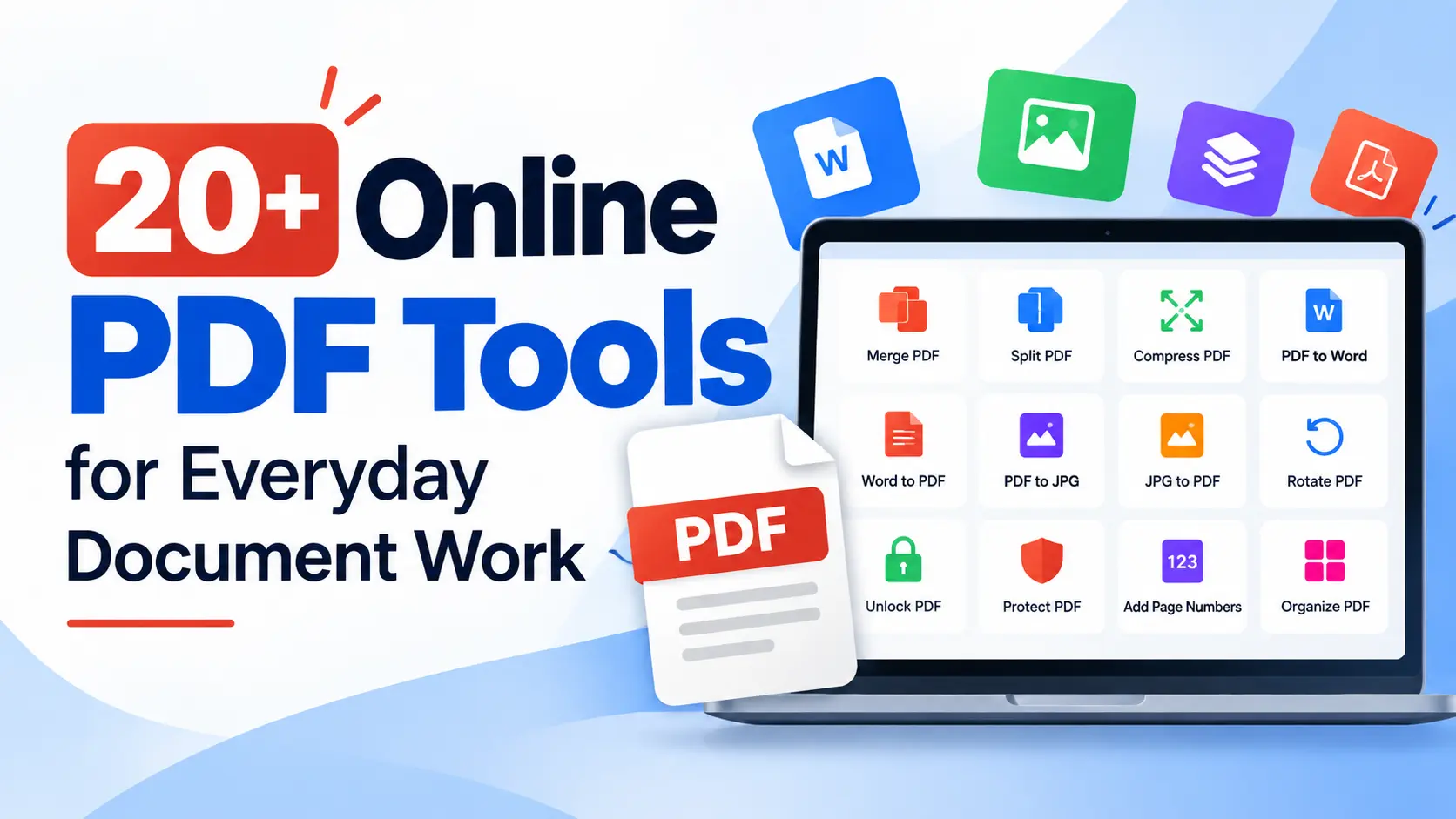
20+ Online PDF Tools You Can Use for Everyday Document Tasks
Discover useful online PDF and document tools for merging, splitting, compressing, converting, organizing, protecting, and managing files directly from your browser.
PDF files are everywhere. From business reports and invoices to school assignments and scanned documents, we use PDFs for many different purposes.
But creating or receiving a PDF is only the beginning. You may also need to merge files, split pages, reduce file size, convert formats, protect documents, or work with images.
Using separate software for every task can be inconvenient. That's why having multiple online PDF tools in one place can make everyday document work easier.
PDF and document-related tools for everyday file management, conversion, editing, and organization.
What Can You Do with Online PDF Tools?
An online PDF workspace can help with many common document tasks. Instead of installing separate applications for different jobs, you can access different tools from one browser-based platform.
Organize PDF Files
PDF organization can involve more than simply opening a document. You may need to combine multiple files, separate pages, remove unwanted content, rotate pages, or extract specific sections.
Merge PDF
Combine multiple PDF files into a single organized document.
Split PDF
Divide larger PDF documents into smaller files or sections.
Rotate PDF
Change the orientation of PDF pages when pages need to be rotated.
Delete PDF Pages
Remove unwanted pages from a PDF document.
Extract PDF Pages
Extract selected pages from a larger PDF document.
iLovePDF.club provides tools including Merge PDF, Split PDF, Rotate PDF, Delete PDF Pages, and Extract PDF Pages.
Compress PDF Files
Large PDFs can be inconvenient to upload, email, store, and share. A PDF compression tool can help reduce file size and make documents easier to handle.
When compression can help: Use a PDF compressor when a document is too large for an upload limit, email attachment, online form, or convenient file sharing.
Convert PDFs
PDF conversion is one of the most common document requirements. Depending on the task, you may need to move information from a PDF into another document or image format.
iLovePDF.club provides these conversion tools in its online workspace, allowing users to process different types of PDF conversion tasks through a browser.
Convert Documents to PDF
Conversion can also work in the opposite direction. Instead of converting a PDF into another format, you may need to create a PDF from an existing document or image.
This can be useful when you need to prepare a document or image for sharing, printing, submission, or storage in PDF format.
Work with Images
PDF workflows often involve images too. You may need to prepare an image before adding it to a document, sharing it online, or converting it into another format.
Compress Images
Reduce image file size for easier storage and sharing.
Resize Images
Change image dimensions for different digital requirements.
Crop Images
Remove unwanted areas and focus on the important part of an image.
Rotate Images
Change image orientation when a picture needs to be rotated.
Image Conversion
Process images into different supported formats when required.
iLovePDF.club includes tools for compressing, resizing, cropping, rotating, and converting images as part of its online document workflow.
Protect and Unlock PDFs
Some PDF documents require additional access or protection workflows. iLovePDF.club provides Protect PDF and Unlock PDF tools for processing PDF documents.
Important: Always make sure you have the appropriate authorization before modifying, unlocking, or accessing a protected document.
OCR for Scanned PDFs
Scanned PDFs can be different from digitally created PDFs because their pages may essentially be images rather than ordinary selectable text.
The OCR PDF tool can help process scanned documents and recognize text contained within the pages.
OCR PDF
Process scanned PDF pages and recognize text from image-based documents.
Searchable Content
OCR processing can make suitable scanned documents more useful for digital text-based workflows.
Who Needs Online PDF Tools?
Online PDF tools can be useful for almost anyone who regularly works with digital documents.
Students
Students can use PDF tools for assignments, notes, projects, scanned documents, and document submissions.
Professionals
Professionals can use PDF tools for reports, presentations, proposals, forms, and everyday business documents.
Businesses
Businesses can use PDF tools to manage documents, convert files, organize pages, and share information.
Freelancers & Creators
Freelancers and creators can use document and image tools as part of their everyday digital workflow.
Why Use Multiple Tools from One Website?
The biggest benefit is convenience. Instead of searching for a different website whenever you have a different PDF requirement, you can access multiple tools from one online workspace.
iLovePDF.club describes its platform as an everyday PDF workspace for editing, converting, and organizing documents directly in a browser. Its tools are intended for use across common devices such as computers, tablets, and phones.
One workspace, multiple tasks: From basic PDF organization and compression to document conversion, image processing, protection, and OCR, having related tools together can simplify everyday file management.
Final Thoughts
PDF management does not have to be complicated. Whether you need to merge PDFs, split documents, compress files, convert PDF to Word or Excel, convert images to PDF, process scanned documents with OCR, or work with images, having the right online tools can simplify your workflow.
With 20+ PDF and document-related tools available in one place, iLovePDF.club can serve as a convenient online workspace for everyday document tasks.
Find the PDF Tool You Need
Explore iLovePDF.club and choose from a range of online PDF, document, and image tools for your next file-related task.
Explore PDF Tools