How to Split PDF Files Online
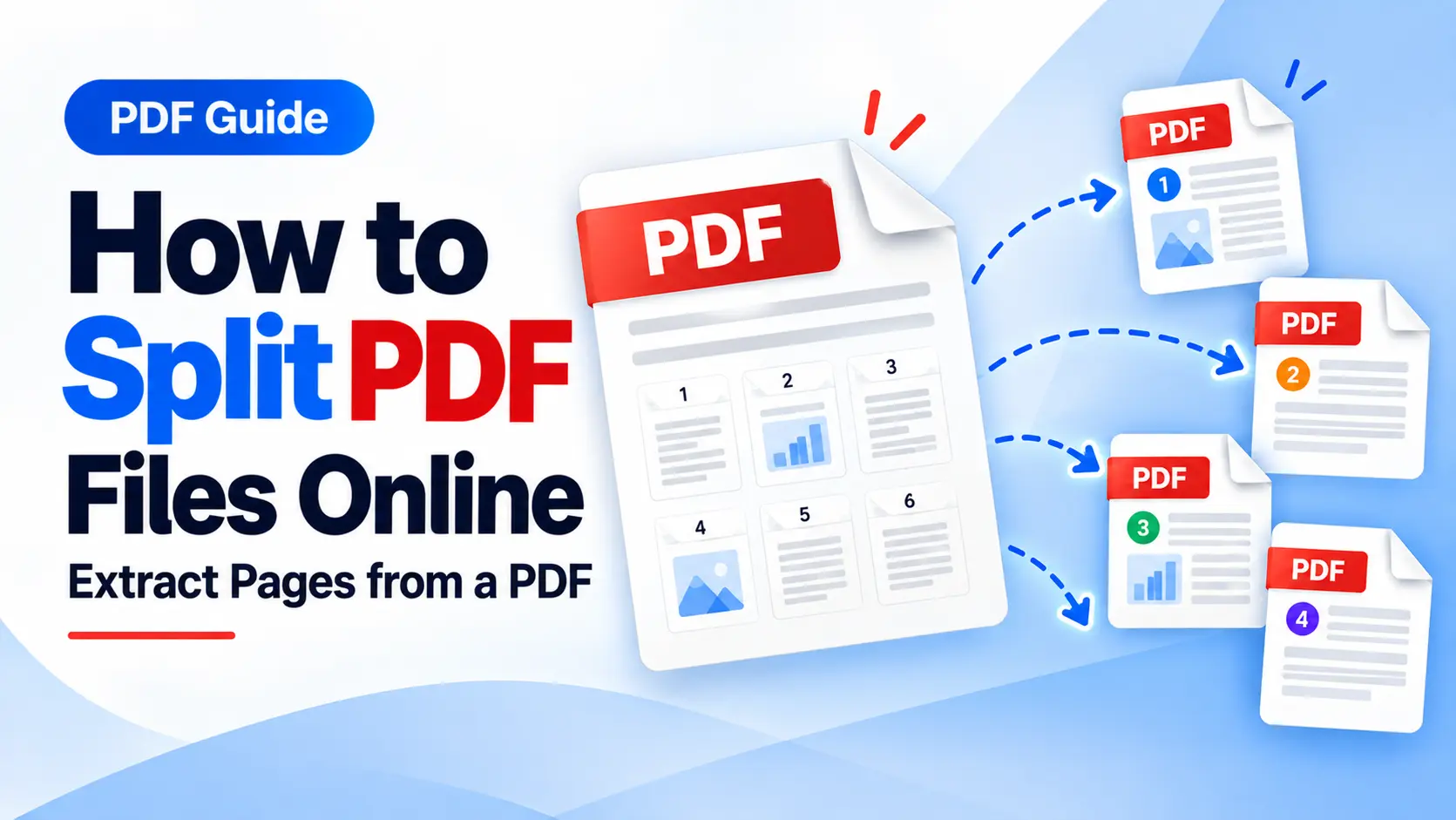
How to Split PDF Files Online: Extract Pages from a PDF
Learn how to split large PDF documents, extract selected pages, and create smaller, more manageable PDF files online.
Large PDF documents often contain more information than you actually need. Instead of sharing or storing an entire document, you may only need a few specific pages.
In this situation, a PDF splitter can help you separate the required pages from the original file and create smaller documents that are easier to manage.
What Does Splitting a PDF Mean?
Splitting a PDF means dividing a larger PDF into smaller documents or extracting selected pages from the original file.
For example, imagine you have a 50-page document but only need five pages to share with someone. Instead of sending the complete document, you can split the PDF or extract the relevant pages.
Why Split a PDF?
There are several practical reasons to split PDF documents.
Share Only Relevant Information
You may not want to send an entire document when only a few pages are relevant. Extracting the required pages can make sharing more convenient.
Reduce File Size
Smaller documents can sometimes be easier to upload, share, store, and transfer between devices.
Organize Large Documents
Dividing a large PDF into smaller sections can make document management more convenient, especially when working with lengthy reports or manuals.
Separate Chapters or Sections
Books, reports, manuals, presentations, and other long documents can be divided into smaller sections when needed.
How to Split a PDF Online
Splitting a PDF online is generally a straightforward process. You can follow these basic steps:
- Open an online PDF splitter.
- Upload the PDF document you want to split.
- Select the pages or sections you want to extract.
- Start processing the PDF.
- Download the resulting PDF files.
Tip: Before processing your PDF, double-check the page numbers or sections you want to extract. This helps ensure that the resulting files contain the correct pages.
iLovePDF.club provides a Split PDF tool that allows users to split PDF documents and extract pages into separate files.
Split PDF vs Extract PDF Pages
These two tasks are related, but they can be useful for different purposes.
Split PDF
Split PDF can be useful when you want to divide a larger document into multiple smaller PDF files or separate sections.
Extract PDF Pages
Extract PDF Pages can be useful when you specifically need selected pages from a larger document without keeping the rest.
iLovePDF.club provides both tools, allowing you to choose the option that matches the way you want to organize your PDF document.
When Is Splitting a PDF Useful?
- When you only need specific pages from a long document
- When you want to share selected sections with someone
- When you need to separate chapters or sections
- When you want to create smaller PDF files
- When you need to organize a large document into separate files
Conclusion
You do not always need to share an entire PDF document. When only certain pages are relevant, splitting or extracting pages can provide a simple way to create smaller and more manageable documents.
With an online PDF splitter, you can separate relevant pages and organize large PDF documents directly from your browser.
Ready to Split Your PDF?
Separate pages, extract sections, and organize your documents with the Split PDF or Extract PDF Pages tools on iLovePDF.club.
Split PDF Online