How to Merge PDF Files Online
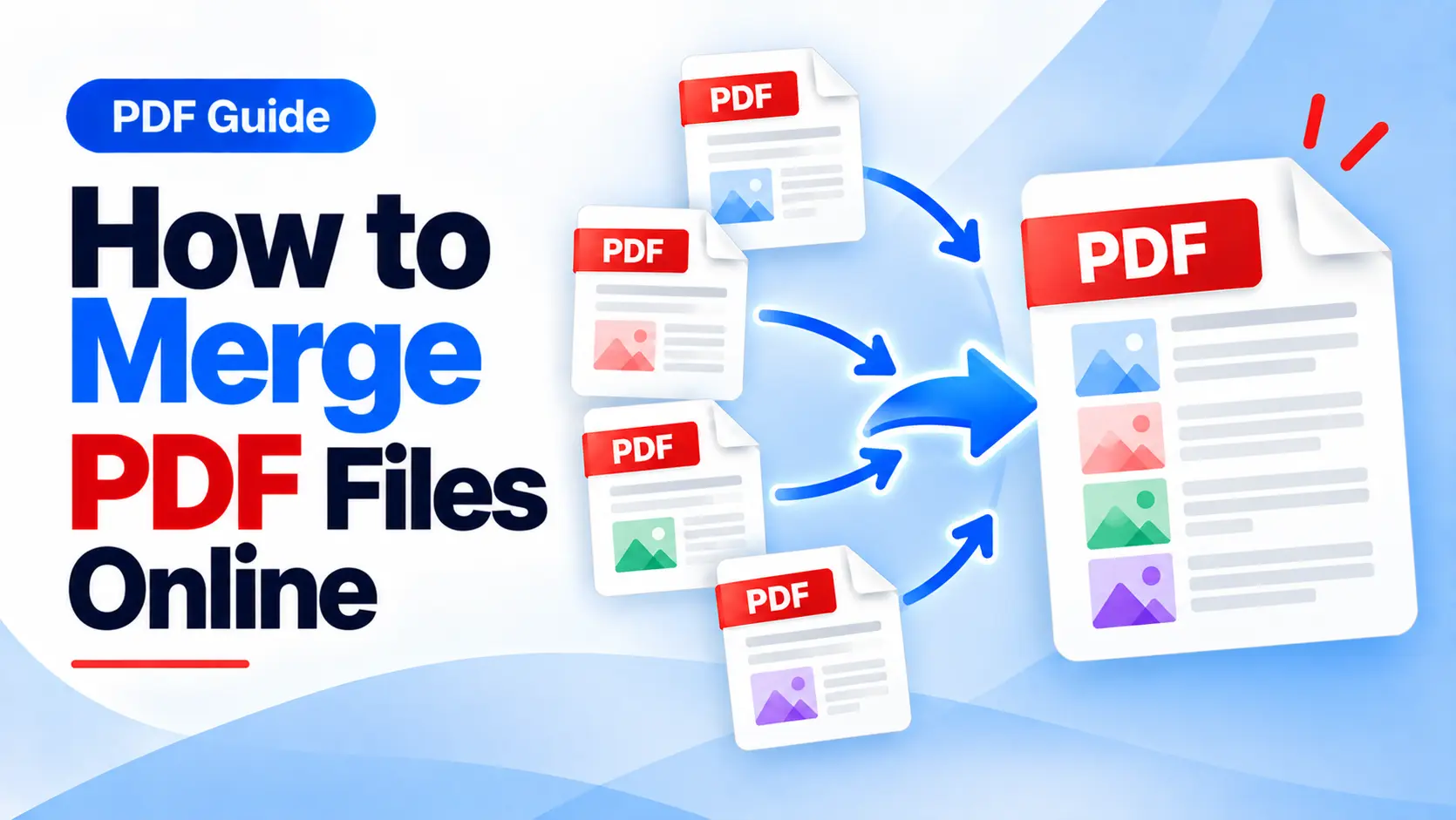
How to Merge PDF Files Online: Easy Way to Combine Multiple PDFs
Learn how to quickly combine multiple PDF files into one organized document using an online PDF merger.
Working with multiple PDF files can sometimes become difficult, especially when you need to share, organize, print, or store several documents together. Instead of sending multiple separate files, you can easily merge PDF files online and create one convenient document.
An online PDF merger makes this process simple. You can upload your PDF files, arrange them in the order you want, and combine them into a single PDF without installing complicated software.
What Does Merging PDF Files Mean?
Merging PDF files means combining two or more separate PDF documents into a single PDF file. The pages from each document are placed together in the order you choose.
For example, you may have several documents that need to be kept together, such as:
- Multiple pages of a business report
- Separate documents for a project
- Several invoices or receipts
- Different sections of an assignment
- Scanned documents and forms
- Multiple business proposals
Instead of managing all these files separately, you can combine them into one organized PDF document.
Why Should You Merge PDF Files?
There are several practical reasons to combine PDF documents into a single file.
Easier File Sharing
Sending one PDF is often more convenient than attaching five or ten separate files to an email or message. All the required information stays together in one place.
Better Document Organization
Combining related documents into one PDF can make your files easier to organize, archive, and find later.
Convenient Printing
A single PDF can be more convenient when you need to print a collection of documents. You can manage the entire document from one file.
Professional Presentation
When submitting a report, proposal, project, or collection of documents, putting everything into one PDF can create a cleaner and more organized presentation.
How to Merge PDFs Online
Combining PDF files online is usually a quick and straightforward process. Follow these simple steps:
- Open an online PDF merging tool.
- Upload the PDF files you want to combine.
- Arrange the uploaded files in your preferred order.
- Start the PDF merging process.
- Download your newly combined PDF file.
Tip: Before merging your files, check the order of the documents carefully. Arranging them correctly will help ensure that the final PDF is organized exactly the way you want.
With iLovePDF.club, you can access the Merge PDF tool directly from your browser. The tool is designed to help you combine multiple PDF files into a single document quickly and conveniently.
Who Can Use a PDF Merger?
A PDF merger can be useful for almost anyone who regularly works with digital documents. Students, professionals, businesses, freelancers, and organizations can all benefit from combining related PDFs.
For example, a student can merge different assignment pages into one file, while a business can combine reports, invoices, or supporting documents into a single PDF.
Conclusion
Merging PDF files is a simple way to keep related documents together. Instead of managing multiple PDF files individually, you can combine them into one organized document that is easier to share, store, and print.
If you regularly work with PDFs, an online Merge PDF tool can save time and make document management more convenient.
Ready to Merge Your PDF Files?
Combine multiple PDF documents into one file quickly and easily with the Merge PDF tool on iLovePDF.club.
Merge PDF Files Online