What Is OCR PDF and How Does OCR Work?
What Is OCR PDF? How to Convert Scanned PDFs into Searchable Text
Learn what OCR PDF means, how Optical Character Recognition works, and how scanned documents can be processed for more useful digital workflows.
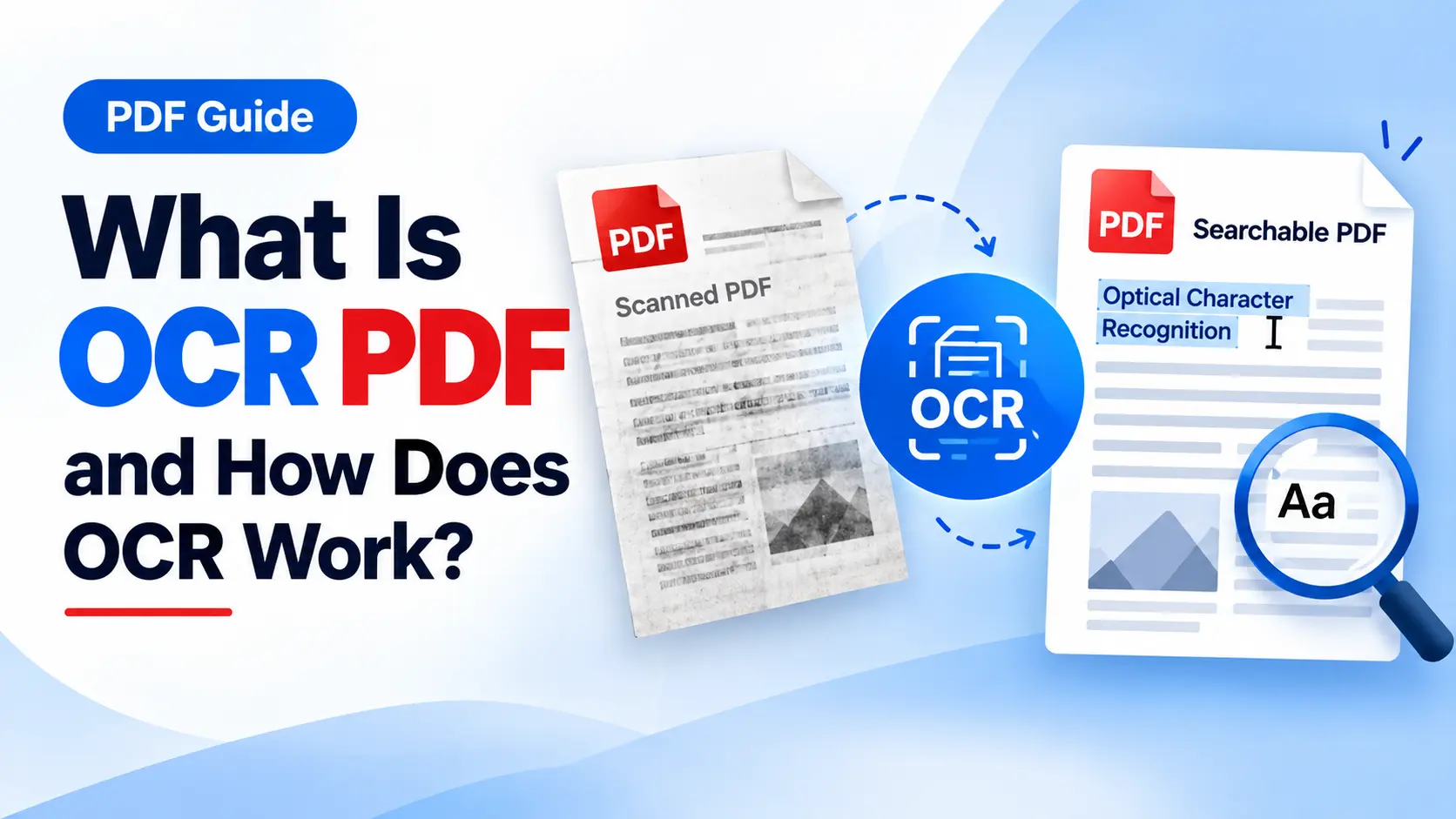
Many PDF documents are created from scanned pages. A scanned document may look like normal text on your screen, but technically the page can be stored as an image.
This can make searching, selecting, copying, or working with the text difficult. This is where OCR PDF technology can be useful.
Optical Character Recognition helps recognize characters and text from images and scanned documents.
What Is OCR?
OCR stands for Optical Character Recognition.
OCR technology is designed to recognize characters and text from images or scanned documents. Instead of treating a scanned page only as an image, OCR can help process the visible characters as text.
This can make certain scanned documents more useful for digital workflows where searchable or selectable text is needed.
Why Is OCR Useful?
OCR can be helpful when working with documents that contain scanned or image-based pages.
- Scanned documents
- Old paperwork
- Printed forms
- Archived documents
- Scanned reports
- Image-based PDFs
For example, if you scan a paper document and save it as a PDF, the content may not behave like ordinary selectable text. OCR can help make such documents more useful in digital workflows.
How Does OCR PDF Processing Work?
The basic OCR workflow generally involves uploading a scanned document, processing the pages, and recognizing the text contained within them.
- Upload the scanned PDF.
- Process the pages using OCR.
- Recognize text within the document.
- Create the processed output.
- Review the resulting document.
Tip: After OCR processing, review important documents carefully. Text recognition can vary depending on the quality and layout of the original scan.
iLovePDF.club provides an OCR PDF tool for processing PDF documents online. It can be useful when working with scanned PDFs that contain image-based text.
OCR for Businesses
Businesses often have to manage both digital and physical documents. Older records, forms, invoices, applications, and archived paperwork may exist as scanned files.
OCR can be useful when businesses need to work with information contained in scanned documents and incorporate that information into digital document workflows.
Scanned Records
OCR can help process older scanned records and paperwork for use in digital workflows.
Business Documents
Forms, invoices, applications, and reports may benefit from OCR when their contents are stored as scanned pages.
OCR for Students
Students may receive scanned notes, books, research material, or other academic documents.
OCR can help make scanned material more useful for digital workflows, depending on the quality and structure of the original document.
OCR Accuracy Depends on the Document
The quality of OCR processing can depend on several factors related to the original document and scan.
- Image quality
- Text clarity
- Font style
- Page orientation
- Scanning quality
- Document layout
Documents with clear, readable text may be easier to process than scans with poor image quality, unusual layouts, or difficult-to-read characters.
Important: Always review important documents after OCR processing, especially when the extracted text will be used for business, academic, legal, or other important purposes.
Conclusion
OCR can help bridge the gap between scanned documents and digital text. Instead of treating a scanned PDF only as an image, OCR technology can help recognize the characters contained within the document.
If you regularly work with scanned PDFs, an online OCR PDF tool can be a useful part of your document workflow.
Ready to Process Your Scanned PDF?
Use the OCR PDF tool on iLovePDF.club to process scanned PDF documents and work with their text more conveniently.
Use OCR PDF