How to Convert PDF to Word
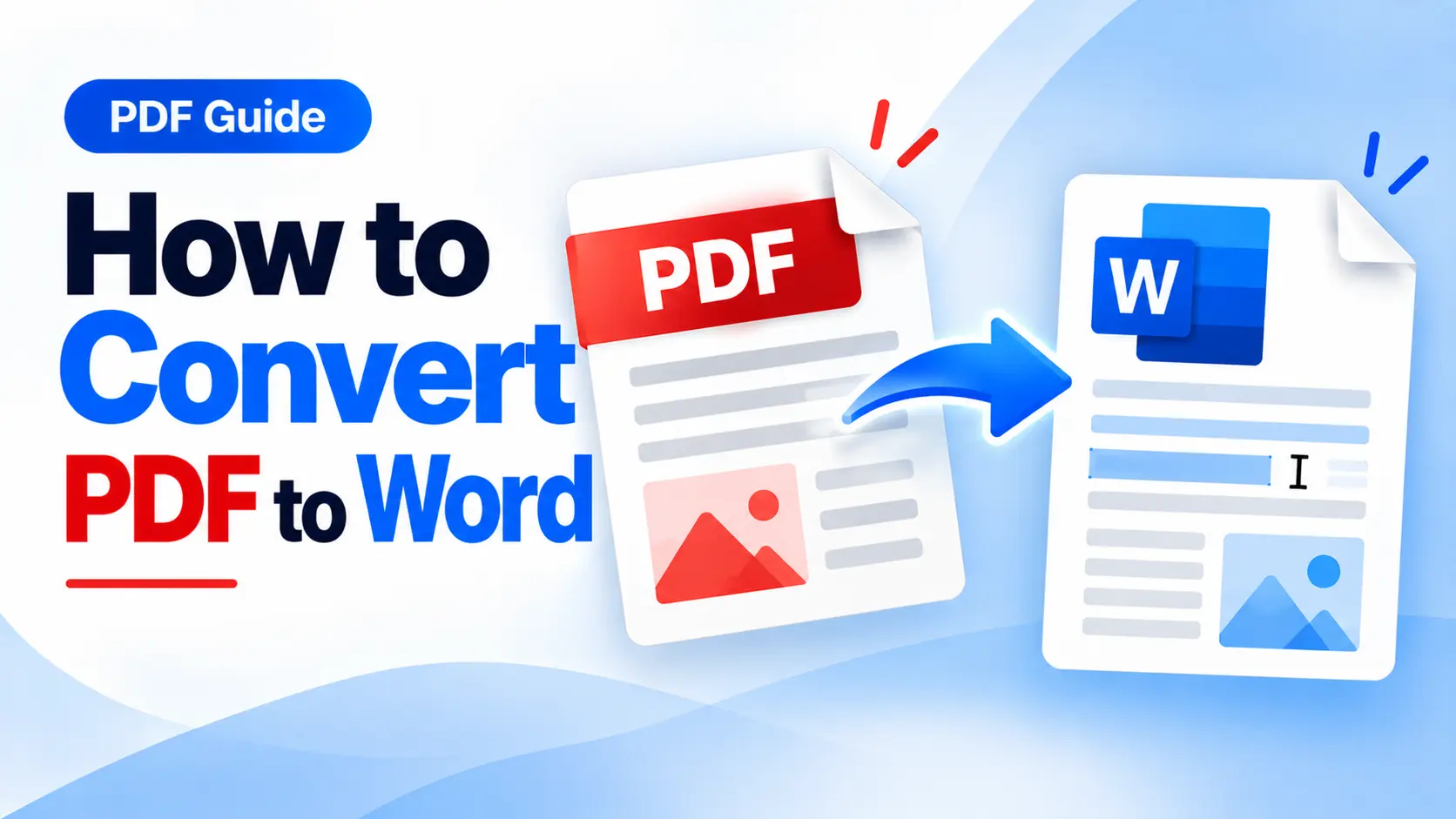
PDF to Word Converter: How to Convert PDF to Editable Word Documents
Learn how to convert PDF files into editable Word documents online and make it easier to update, reuse, and edit your content.
PDF files are excellent for sharing documents and maintaining their formatting, but editing them can sometimes be inconvenient.
If you need to modify text, update information, or reuse content from a PDF, converting it into a Word document can provide a more convenient editing workflow.
What Is PDF to Word Conversion?
PDF to Word conversion changes a PDF document into a Word-compatible format that can be opened and edited using compatible word-processing software.
This can be useful when you need to:
- Edit document content
- Update information
- Reformat text
- Add or remove content
- Reuse information in another document
Why Convert PDF to Word?
Imagine receiving a PDF report that needs a few changes. If you do not have an appropriate PDF editor, working directly with the PDF may be inconvenient.
Converting the document to Word can make it easier to work with the content, especially when you need to make text changes or reuse parts of the original document.
How to Convert PDF to Word Online
Converting a PDF into a Word document online is generally a straightforward process. You can follow these basic steps:
- Open a PDF to Word converter.
- Upload the PDF document you want to convert.
- Start the PDF to Word conversion process.
- Download the resulting Word file.
- Open the document and review the formatting.
Tip: Always review the converted document before using it. This is especially important when the original PDF contains tables, images, multiple columns, or complex formatting.
iLovePDF.club provides a PDF to Word tool for processing PDF documents into Word format. You can use the online tool directly from your browser when you need to convert a PDF into an editable document.
Who Can Benefit from PDF to Word Conversion?
Students
Students can use PDF to Word conversion when they need to reuse information from PDF study material, notes, assignments, or other documents.
Professionals
Professionals can process reports, proposals, forms, and other documents when editing or updating the content is required.
Businesses
Businesses frequently work with documents that need updates, corrections, or formatting changes. Converting a PDF into Word can provide a convenient way to continue editing the document.
Always Review the Converted File
After conversion, it is a good practice to check the resulting Word document carefully.
Depending on the original PDF, complex layouts, tables, images, fonts, or formatting may require additional adjustment after conversion.
Reviewing the final document helps ensure that the important content and formatting are presented as expected.
Conclusion
A PDF to Word converter can make it easier to reuse and edit content that is stored in PDF format.
Instead of recreating a document from scratch, you can convert the PDF and continue working with the resulting Word file.
Ready to Convert PDF to Word?
Convert your PDF documents into editable Word files online with the PDF to Word tool on iLovePDF.club.
Convert PDF to Word