How to Convert PDF to JPG
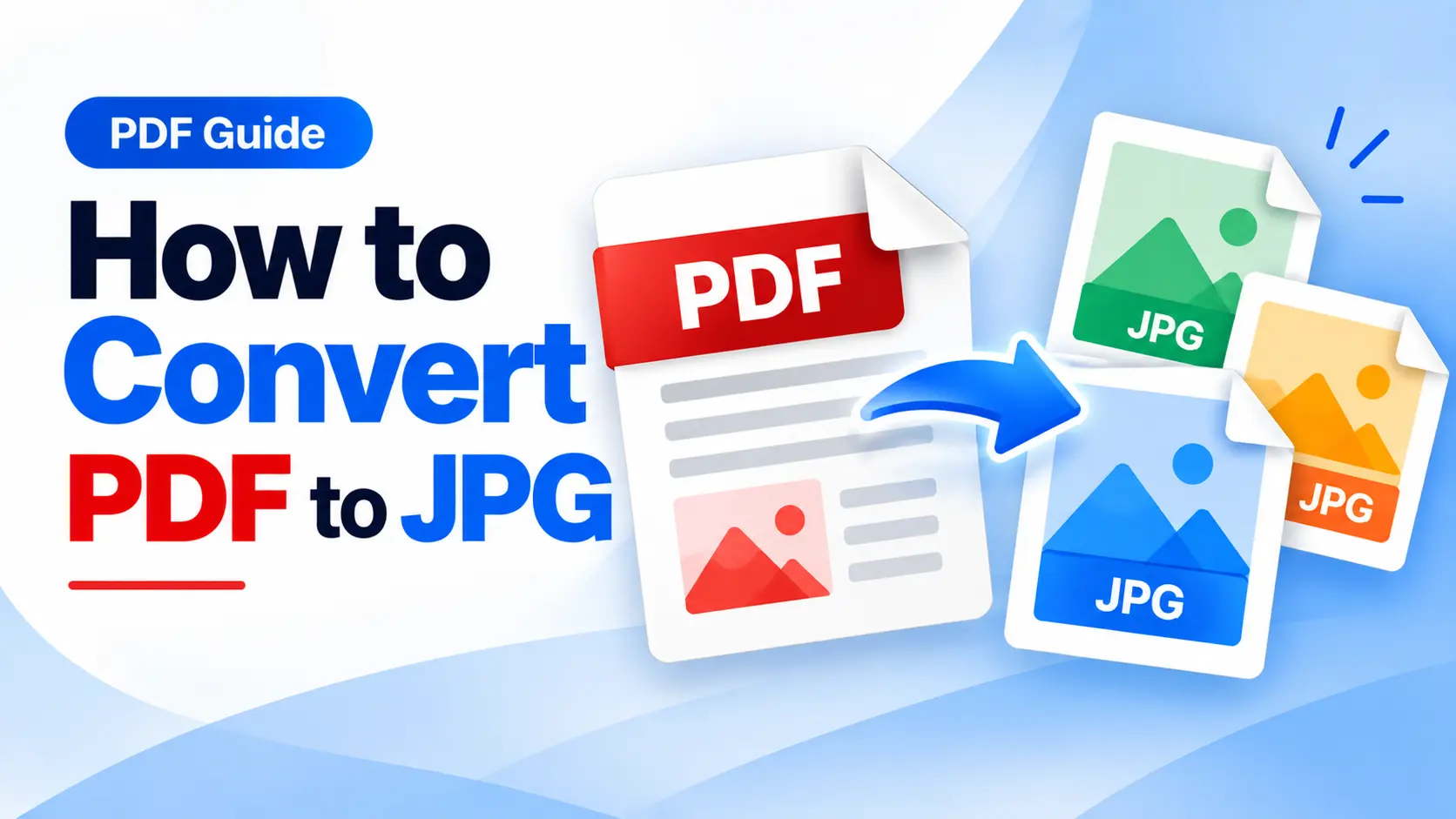
PDF to JPG Converter: Convert PDF Pages into Images Online
Learn how to convert PDF pages into JPG images online and use your document content in presentations, designs, websites, and image-based workflows.
PDF is one of the most common formats for documents, but there are situations where you may need a PDF page as an image.
For example, you may want to use a page from a PDF in a presentation, website, social media post, design project, or another image-based workflow.
In such cases, a PDF to JPG converter can provide a convenient way to turn PDF pages into image files.
Why Convert PDF to JPG?
JPG is a widely supported image format that works across many devices, applications, and online platforms.
Converting a PDF page to JPG can be useful for:
- Digital designs
- Presentations
- Social media content
- Website graphics
- Document previews
- Image sharing
- Creative projects
How to Convert PDF to JPG Online
Converting PDF pages into JPG images is generally a simple process. You can complete the conversion directly from your browser.
- Open a PDF to JPG converter.
- Upload the PDF document you want to convert.
- Start processing the PDF.
- Download the resulting JPG image or images.
Tip: If your PDF contains multiple pages, check the resulting images after conversion to make sure the pages and image quality are suitable for your intended use.
iLovePDF.club provides a PDF to JPG tool for processing PDF files into JPG format. You can use the online tool when you need PDF content in an image format.
PDF Pages as Images
A PDF may contain several pages. Depending on the conversion process, these pages can be processed into individual image files that are easier to use in image-based applications.
This can be especially useful when you need to share a particular page visually instead of sending the complete PDF document.
PDF to JPG for Designers
Designers and content creators sometimes need to use document pages as visual references or include document content in image-based workflows.
Converting a PDF page into JPG format can make it easier to place the content into presentations, designs, graphics, and other visual projects.
PDF to JPG for Everyday Users
You do not need to be a designer or professional to use a PDF converter.
You may simply need to turn a PDF page into an image so you can share it through a platform or application that works better with image files.
PDF to JPG vs PDF to PNG
The appropriate image format depends on how you plan to use the converted file. iLovePDF.club also provides a PDF to PNG tool.
PDF to JPG
JPG can be a convenient choice for photographs, general-purpose images, web content, and situations where a commonly supported image format is preferred.
PDF to PNG
PNG can be useful for graphics, screenshots, and other visual content where preserving image details and transparency support may be important.
Conclusion
When you need PDF content in image format, converting the document to JPG can make individual pages easier to use and share.
With an online PDF to JPG converter, you can process your PDF pages directly from your browser and create image files for different types of projects.
Ready to Convert PDF to JPG?
Convert your PDF pages into JPG images online with the PDF to JPG tool on iLovePDF.club.
Convert PDF to JPG